Upload your space
Start from a real property photo so each concept stays anchored to the yard you actually have.
 AI Landscaping

Scan to download
A garden photo gives AI useful context for suggesting visual directions, while site conditions still need to be checked before planting.
Scan to download
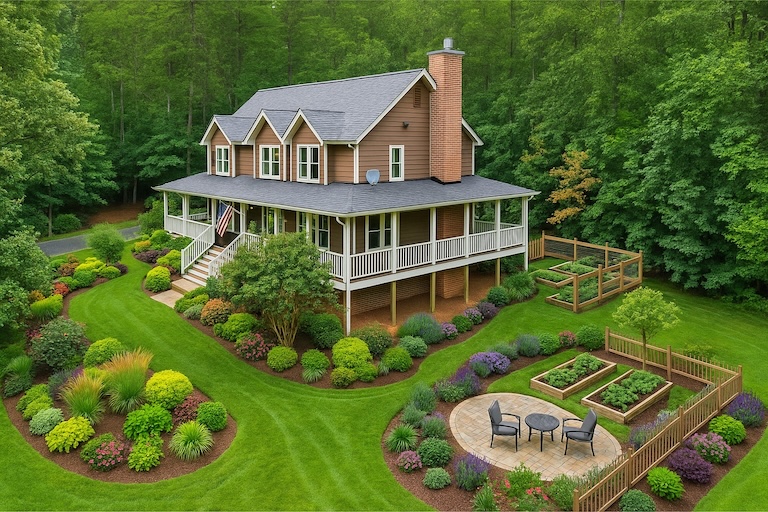
A garden photo gives AI useful context for suggesting visual directions, while site conditions still need to be checked before planting.
Use the result as a visual planning brief first: compare options in the app, then verify plant choices, measurements, drainage, sunlight, local rules, and budget before building.
AI Garden Design From Photo usually means you want faster decisions with fewer expensive surprises. AI Landscaping keeps realistic previews, side-by-side variations, and saved revisions in one mobile workflow.
Start from a real property photo so each concept stays anchored to the yard you actually have.
Review plant palettes, hardscape materials, borders, pathways, and lighting without redrawing the whole plan.
Save stronger options, share revisions, and move the project forward with a clearer visual brief.
See how AI garden design from a photo can help you compare planting, paths, materials, and layout options for your actual space.
Use the space you already want to improve as the starting point.
Explore several directions quickly instead of sketching every idea from scratch.
Keep the strongest concept and send it to anyone helping with the project.
A garden photo gives AI useful context for suggesting visual directions, while site conditions still need to be checked before planting. Use the result as a visual planning brief first: compare options in the app, then verify plant choices, measurements, drainage, sunlight, local rules, and budget before building.
Treat the AI result as a concept image and communication aid, not a construction document. It can help you choose a direction, explain the look to family or a contractor, and avoid buying materials before you have compared options.
Use a clear daylight photo that shows the area boundaries, house facade, beds, lawn, paving, slopes, and existing features you want to keep. A straight, wide angle gives the AI more useful context than a cropped detail shot.
Yes. AI can suggest a look, but real plant and material choices should be checked against your climate, soil, sun exposure, mature plant size, maintenance needs, availability, and any local water or building rules.
AI Landscaping starts with one property photo, generates multiple outdoor concepts, supports different area types and styles, and lets you save and compare the versions that are worth sharing or refining.
A garden photo gives AI useful context for suggesting visual directions, while site conditions still need to be checked before planting.
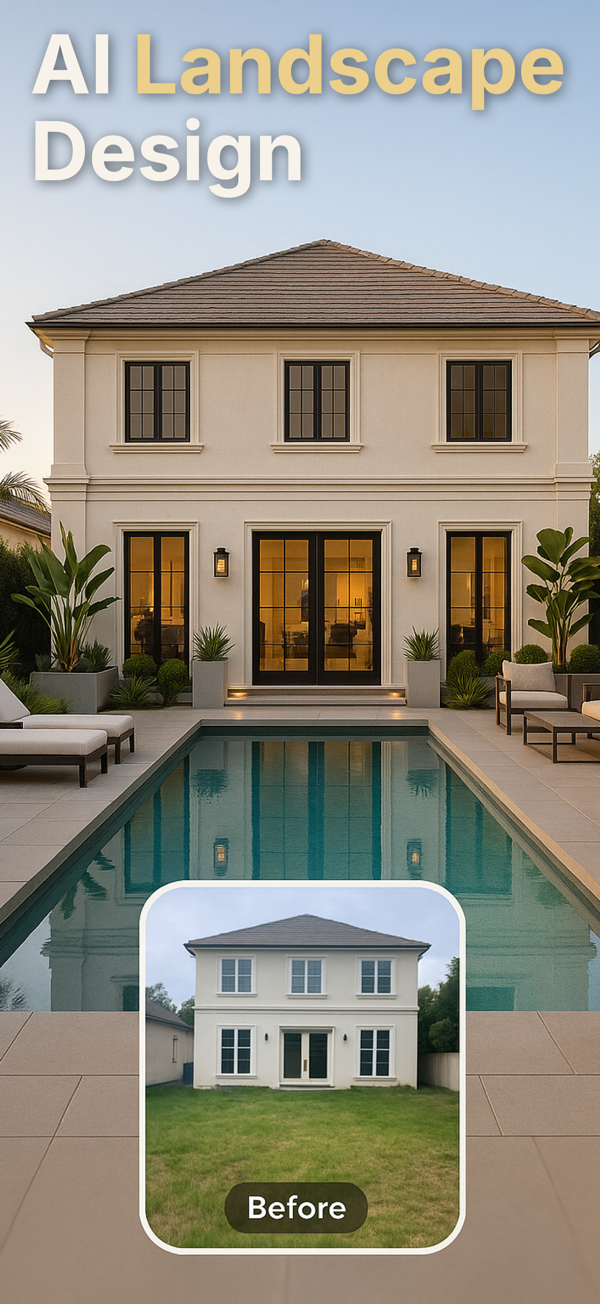
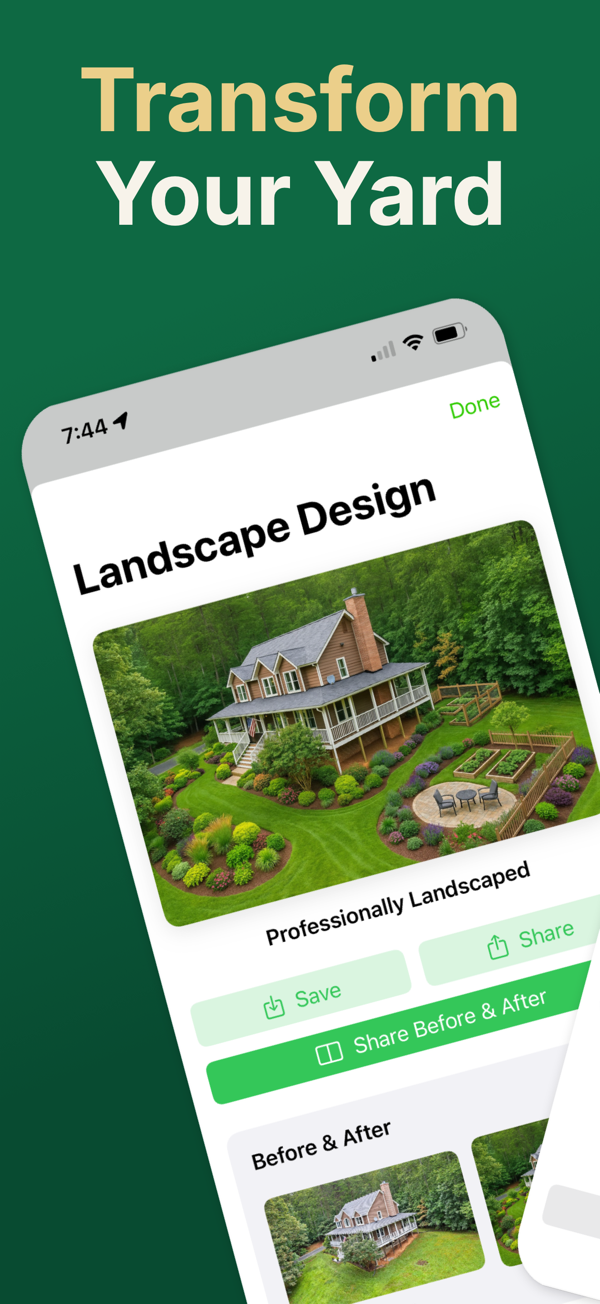
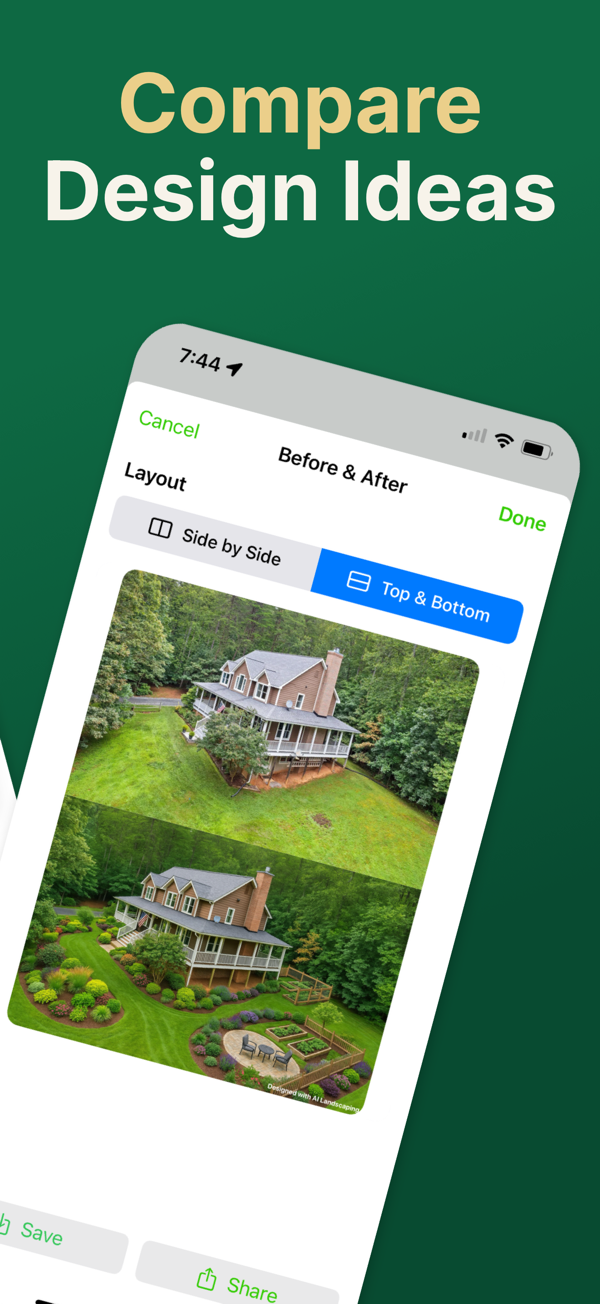
Start with one photo, test several directions, and keep the versions you actually want to share with family, clients, or contractors.
Scan to download