Front yard to rooftop
Front yard, backyard, side yard, entryway, patio, deck, balcony, driveway, walkway, pool area, courtyard, rooftop, hillside, corner lot and more.
 AI Landscaping
Free on iPhone
AI Landscaping
Free on iPhone

Scan to install
AI Landscaping
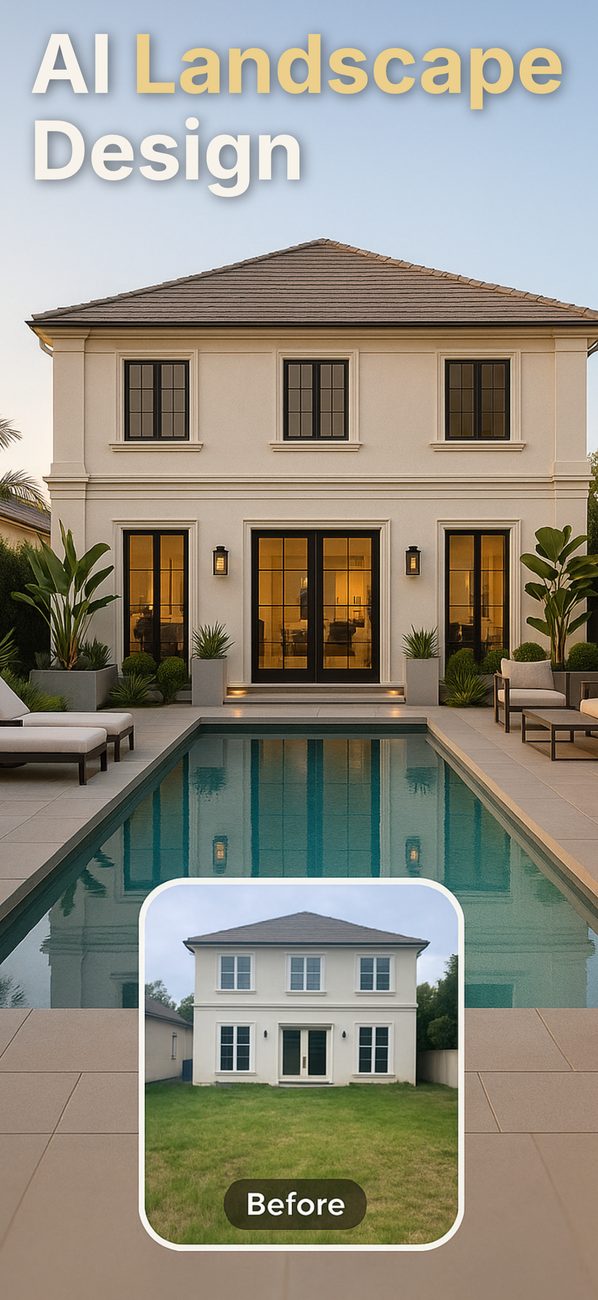
Take a photo of your front yard, backyard, patio or pool area, pick a style, and see the same space redesigned before you buy a single plant.
Scan to install
Explore landscaping ideasFirst design free. iPhone and iPad.
AI-generated concept image
Example
A patchy lawn and a cracked concrete walk, redesigned with beds of lavender and white hydrangeas, two Japanese maples, stone edging and path lights. The house, the walk and the camera angle stay where they were.
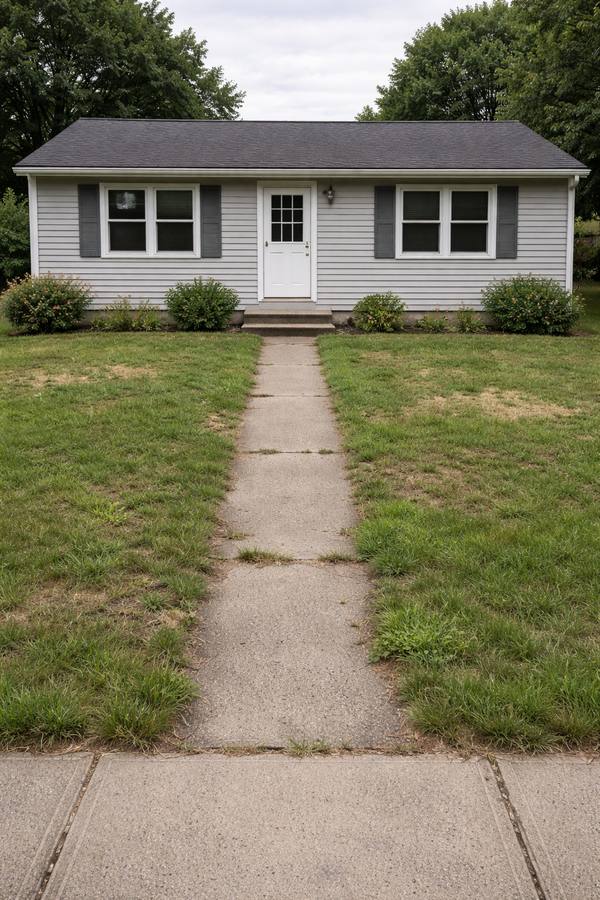
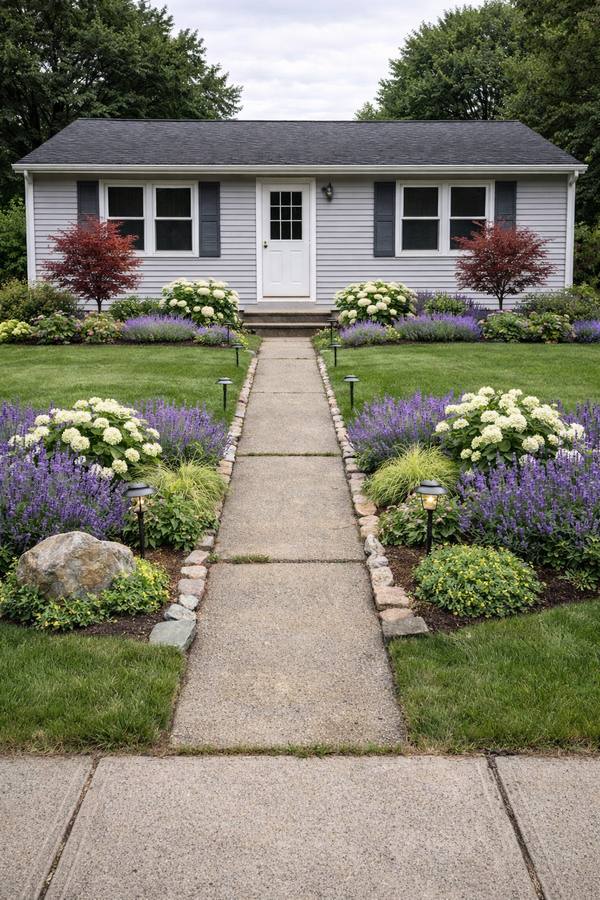
Example generated by AI. Your result depends on your photo and the options you choose.
AI Landscaping
Point the camera at the space you already have. The app is built to keep your house, driveway and paving where they are and redesign the landscaping around them. AI can still change details, so treat each result as a concept, not a construction plan.
Use the camera or pick a daylight photo of the yard as it looks today.
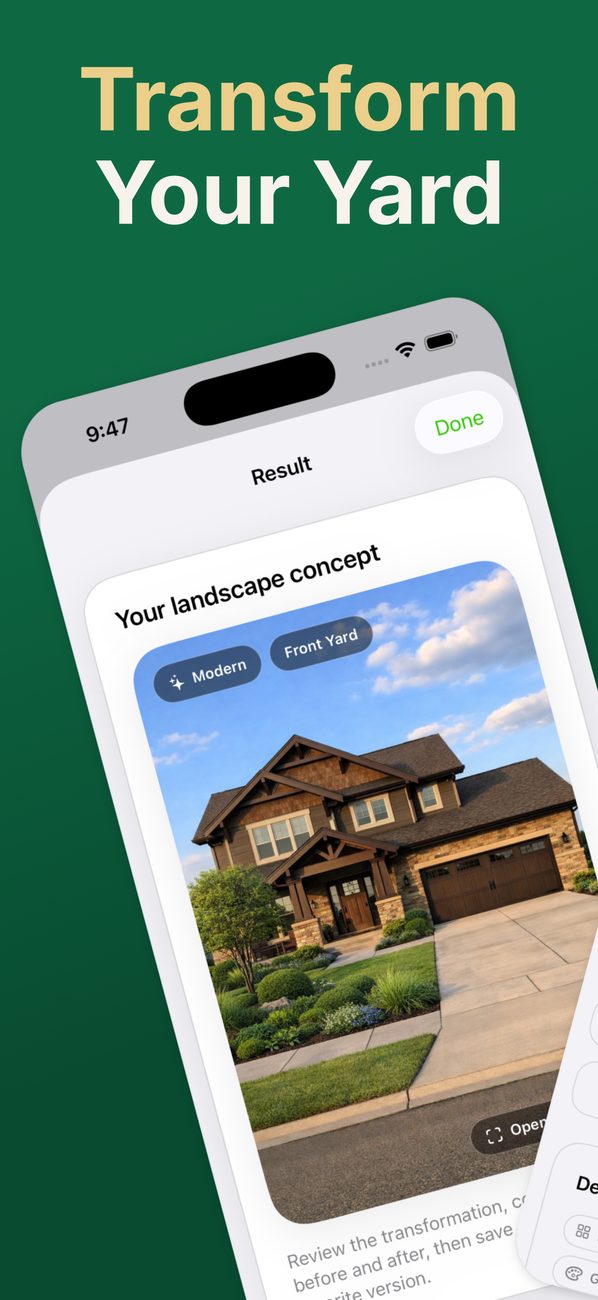
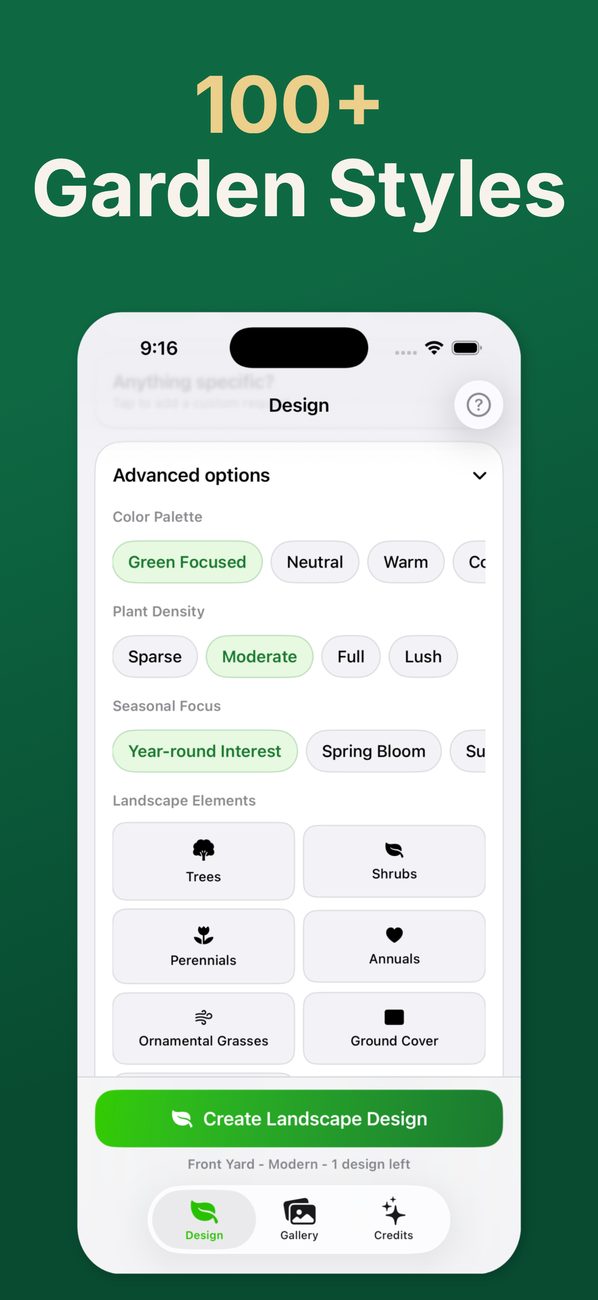
Pick the space, a style, a color palette and how full the planting should be, then add features like trees, a patio, lighting or a fire pit.
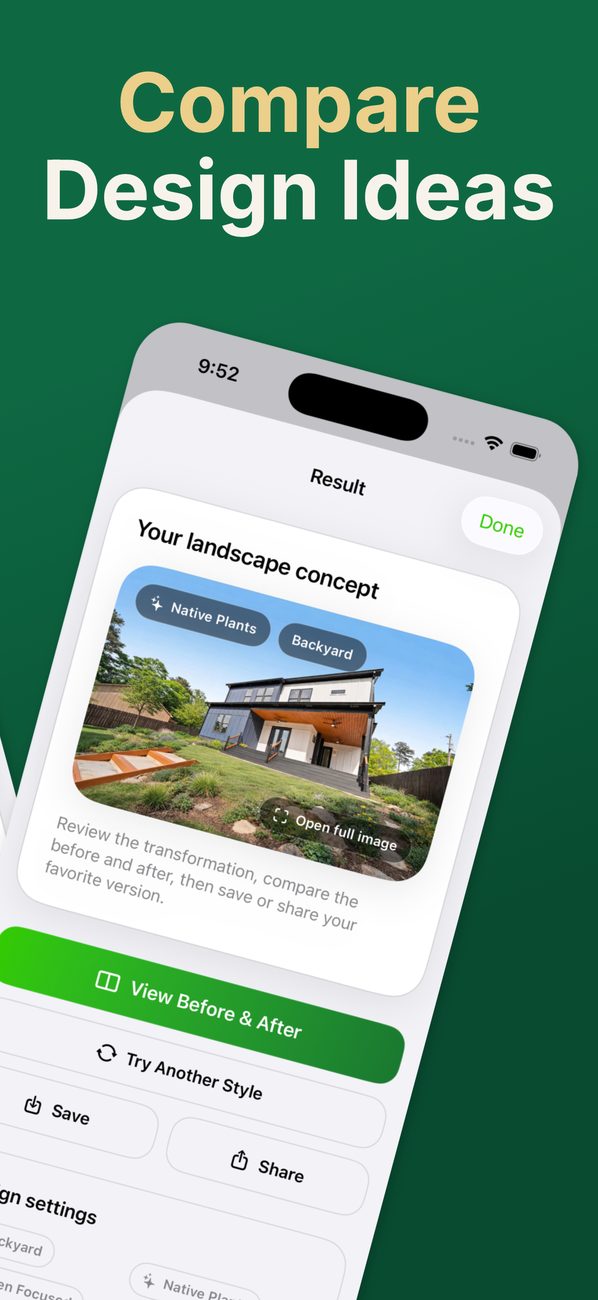
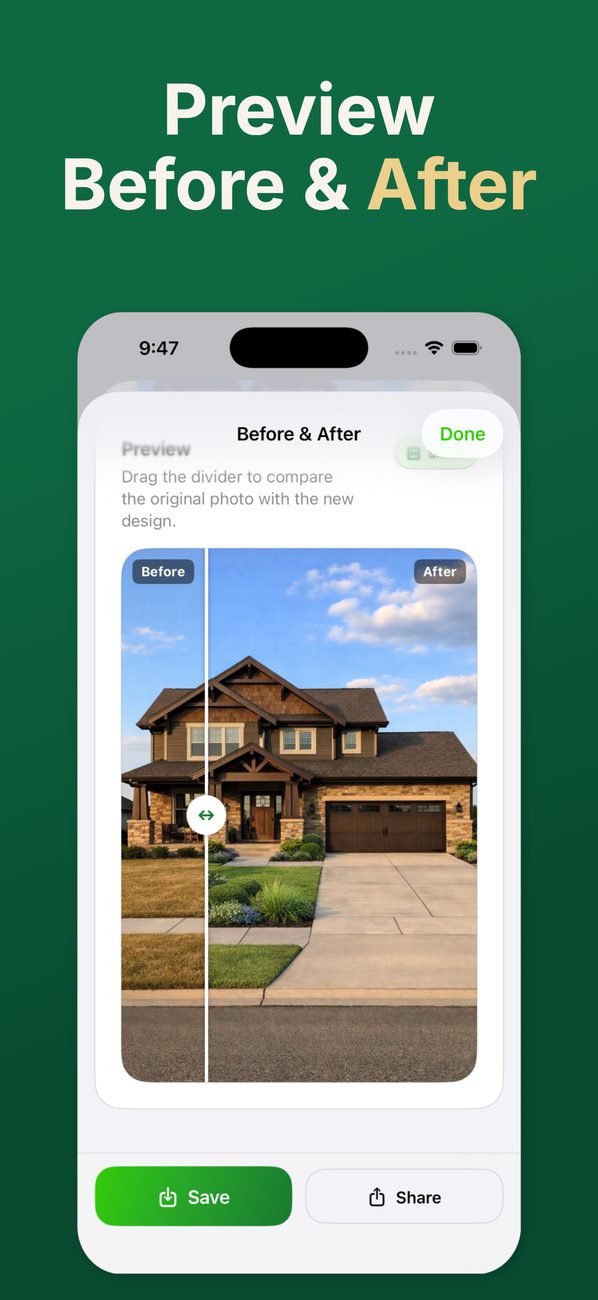
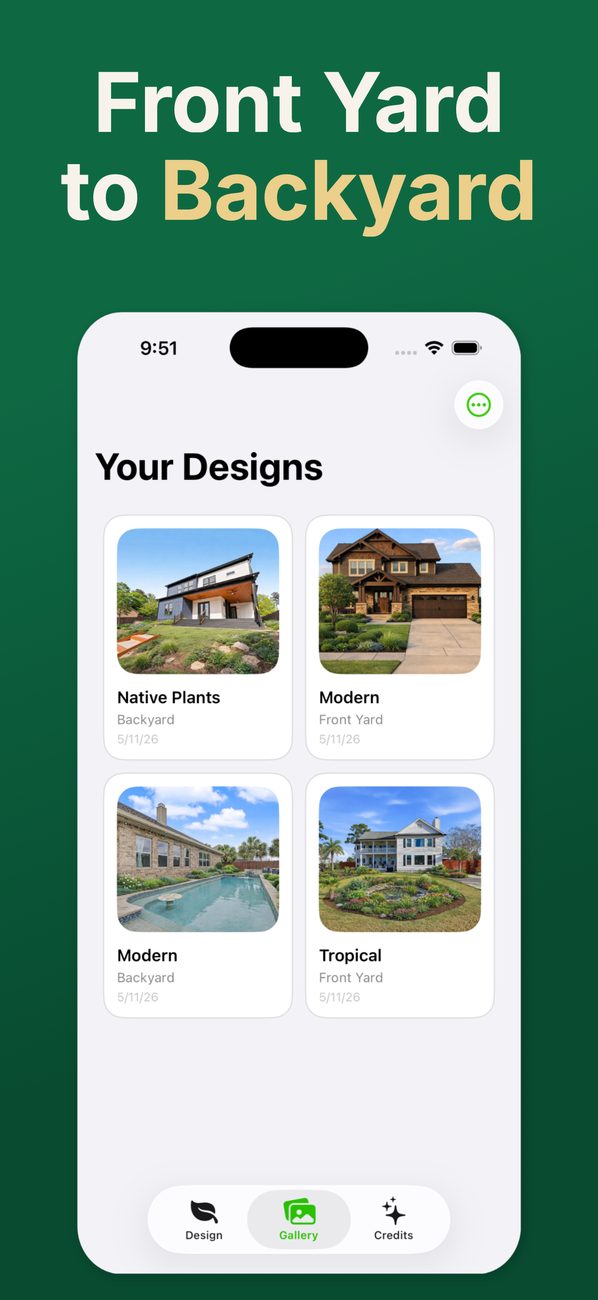
Drag the divider between before and after, save the designs you like to Photos, and send them to whoever is doing the work.
What you can change
Every design starts from the same photo, so you can try several directions and compare them side by side.
Front yard, backyard, side yard, entryway, patio, deck, balcony, driveway, walkway, pool area, courtyard, rooftop, hillside, corner lot and more.
Modern, Japanese, cottage, Mediterranean, desert and xeriscape, native plants, pollinator, prairie, coastal, woodland, formal, French country and more.
Twelve color palettes, four levels of planting from sparse to lush, and a seasonal focus such as spring bloom, fall color or winter structure.
Add trees, perennials, walkways, a patio, retaining walls, a water feature, lighting, a fire pit or a vegetable garden, then type anything else you want, like keeping the old oak.
Landscaping ideas
Each guide covers the plants that actually work, the materials that suit the look, and the conditions where it struggles.
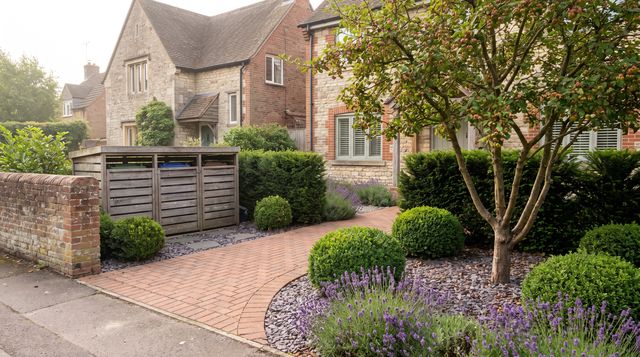
The front yard is the one everybody sees and nobody has time for. It has to look right in February and still hide the trash cans.
Partial shade · Low water
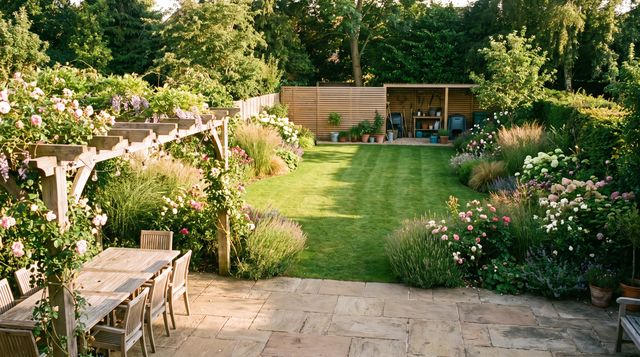
Most backyards are one undivided rectangle. Splitting it into three clear zones is what makes it feel bigger, not smaller.
Partial shade · Moderate water
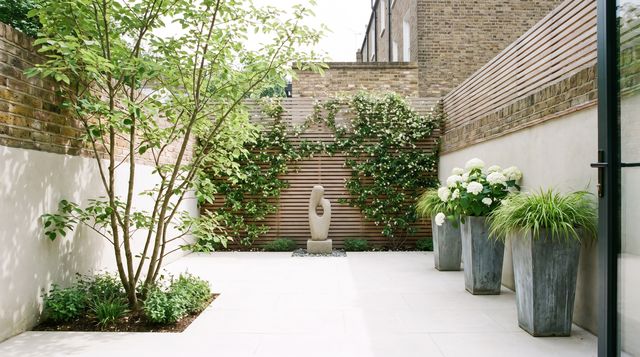
Small yards fail from too many small things. Fewer, larger moves are what make a tight space feel generous.
Partial shade · Moderate water
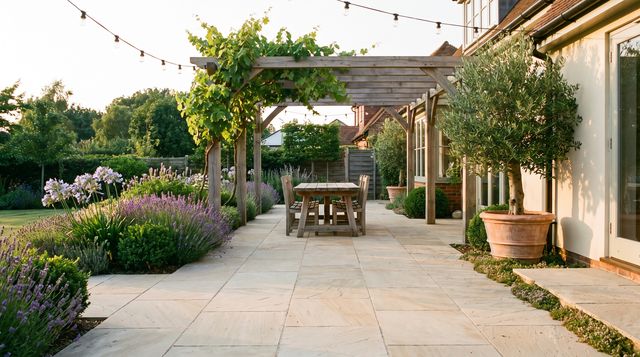
Most patios are built too small and too gray. The size of the table decides everything else about them.
Full sun · Low water
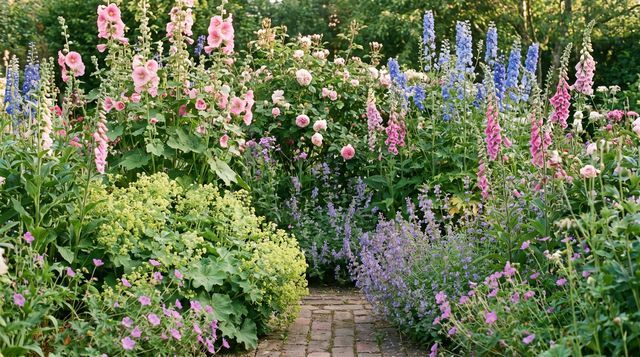
Generous, closely planted and slightly untidy on purpose. A cottage garden earns its looseness by having hard edges and real structure underneath.
Full sun · Moderate water
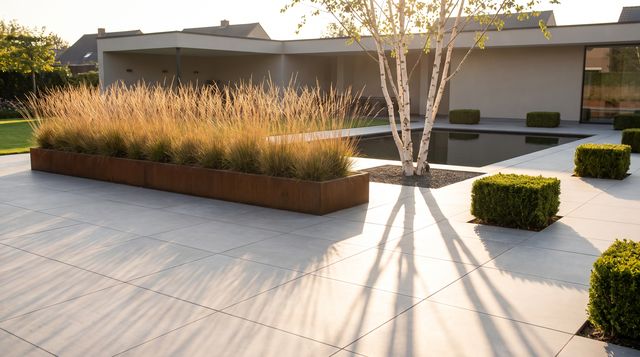
A modern yard lives or dies on a handful of decisions: the paver size, one repeated plant, and how clean you keep the edges.
Full sun · Low water
The app is free to download and your first design is free. After that, designs use credits, sold in packs of 5, 15 or 50. There is no subscription, credits don't expire, and a design that fails to generate doesn't use one.
No. AI Landscaping is an iPhone and iPad app. If you're reading this on a computer, scan the QR code with your iPhone or text yourself the download link (US and Canadian numbers).
It's designed not to. The app tells the AI to keep the house, driveway, walkways, fences and camera angle as they are and change only the landscaping. AI isn't perfect, so drag the before-and-after divider to check that nothing important moved.
No. The result is a picture, not a plant list or a measured plan. Use it to settle on a direction, then check plants with a local nursery. The landscaping ideas guides on this site list plants that suit each style.
Yes. Save any design or a before-and-after comparison to Photos, or share it straight from the app. Seeing the two side by side is a quick way to explain what you want changed.
A daylight photo taken from where you usually see the space, with the whole area in the frame. Even, overcast light works well; very dark or night photos give the AI less to work with.
Start with one photo, compare the result with the original, and try another direction when the first one misses the mark.
Scan to install
The app is on iPhone and iPad. Enter your number and we'll text you a one-time App Store link.
One SMS with a download link. Standard message rates may apply.