Upload your space
Start from a real property photo so each concept stays anchored to the yard you actually have.
 AI Landscaping

Scan to download
AI landscaping helps you explore yard layouts, plants, surfaces, and outdoor living ideas from a photo of the space you want to change.
Scan to download
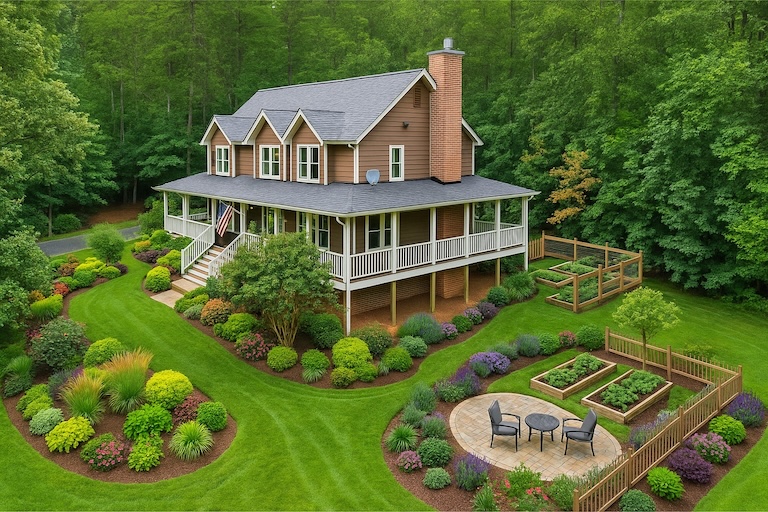
AI landscaping helps you explore yard layouts, plants, surfaces, and outdoor living ideas from a photo of the space you want to change.
Use the result as a visual planning brief first: compare options in the app, then verify plant choices, measurements, drainage, sunlight, local rules, and budget before building.
AI Landscaping Planner App usually means you want faster decisions with fewer expensive surprises. AI Landscaping keeps realistic previews, side-by-side variations, and saved revisions in one mobile workflow.
Start from a real property photo so each concept stays anchored to the yard you actually have.
Review plant palettes, hardscape materials, borders, pathways, and lighting without redrawing the whole plan.
Save stronger options, share revisions, and move the project forward with a clearer visual brief.
Explore AI landscaping ideas from a real photo, compare yard layouts, and save the outdoor design direction that fits your home.
Use the space you already want to improve as the starting point.
Explore several directions quickly instead of sketching every idea from scratch.
Keep the strongest concept and send it to anyone helping with the project.
AI landscaping helps you explore yard layouts, plants, surfaces, and outdoor living ideas from a photo of the space you want to change. Use the result as a visual planning brief first: compare options in the app, then verify plant choices, measurements, drainage, sunlight, local rules, and budget before building.
Treat the AI result as a concept image and communication aid, not a construction document. It can help you choose a direction, explain the look to family or a contractor, and avoid buying materials before you have compared options.
Use a clear daylight photo that shows the area boundaries, house facade, beds, lawn, paving, slopes, and existing features you want to keep. A straight, wide angle gives the AI more useful context than a cropped detail shot.
Yes. AI can suggest a look, but real plant and material choices should be checked against your climate, soil, sun exposure, mature plant size, maintenance needs, availability, and any local water or building rules.
AI Landscaping starts with one property photo, generates multiple outdoor concepts, supports different area types and styles, and lets you save and compare the versions that are worth sharing or refining.
AI landscaping helps you explore yard layouts, plants, surfaces, and outdoor living ideas from a photo of the space you want to change.
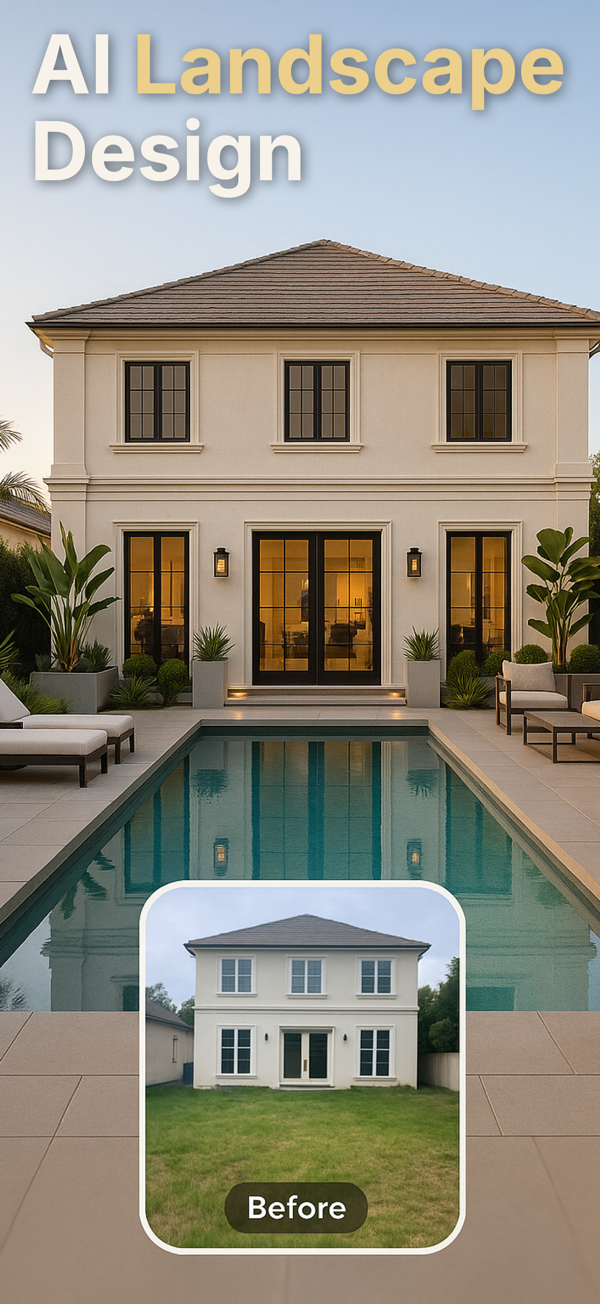
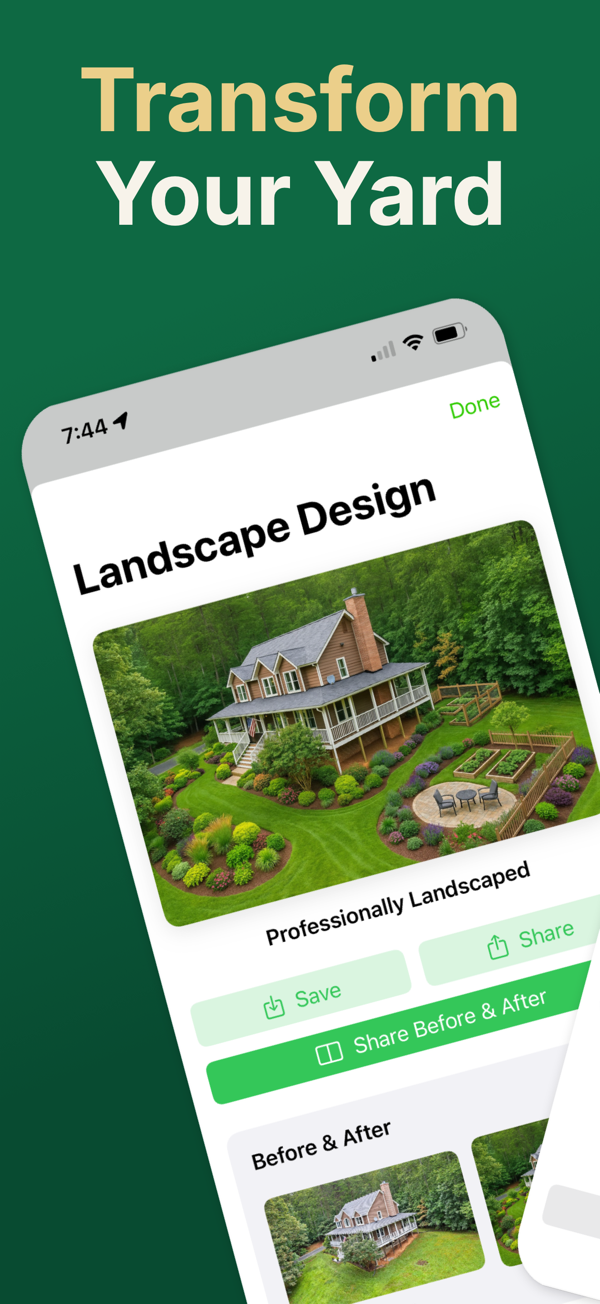
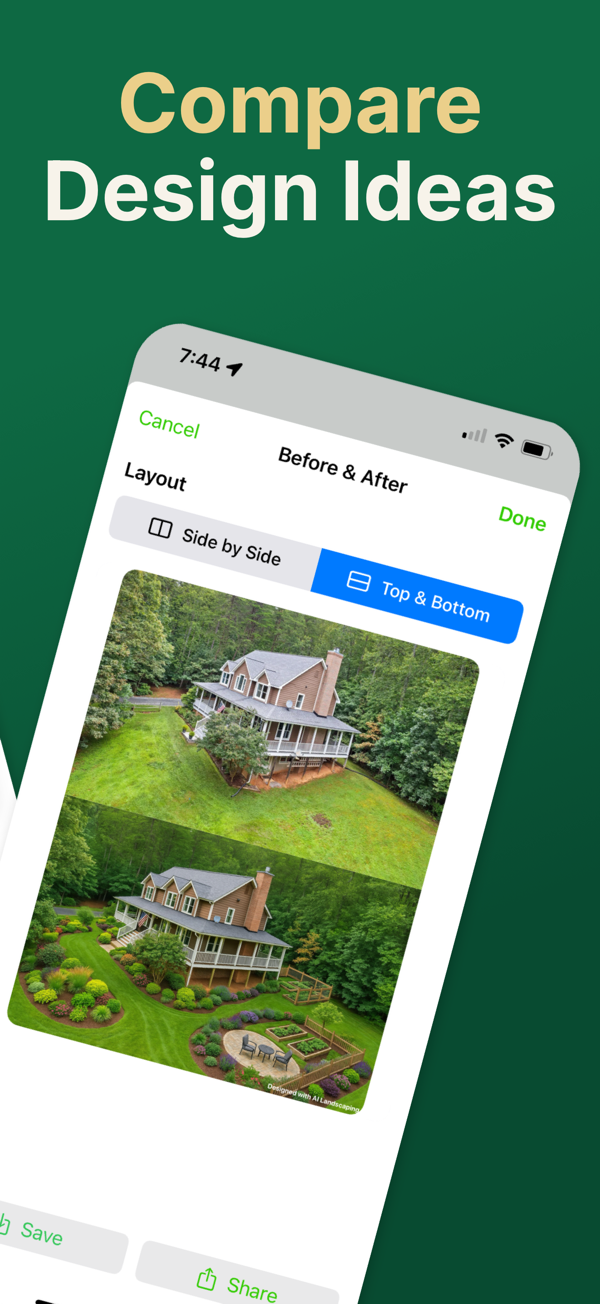
Start with one photo, test several directions, and keep the versions you actually want to share with family, clients, or contractors.
Scan to download